Switching the App Language
All roles
All Day is fully bilingual. Every screen, and every task written with a Spanish translation, can be viewed in English or Spanish. This is the one control available to every role with no restrictions.
Note.This only changes the app’s own interface language. Whether a specific task shows in English or Spanish content depends on whether that task was given a translation — see Translating a task.
-
1
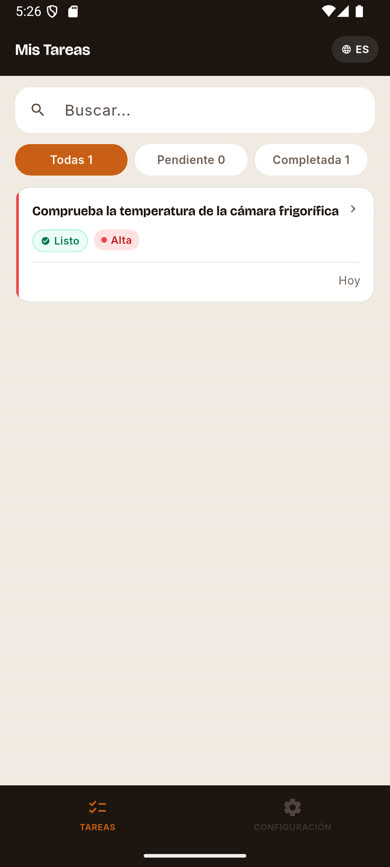
Find the language pill in the header
On any main screen (Tasks, Dashboard, Templates, Users, Settings), look for the small globe icon in the top-right corner showing EN or ES.
-
2
Tap it to switch
One tap immediately flips the entire app between English and Spanish — menus, buttons, task statuses, everything. No confirmation step, and it takes effect right away.
-
3
Your choice is saved
The language you pick is remembered on your account and stays selected the next time you sign in on any device.
Was this article helpful?