Signing Out
All roles
Signing out ends your session on this device and returns you to the sign-in screen.
-
1
Open Settings
Scroll to the bottom of the screen.
-
2
Tap Sign Out
It’s the outlined button below your billing/account cards. There’s no confirmation step — it signs you out immediately.
-
3
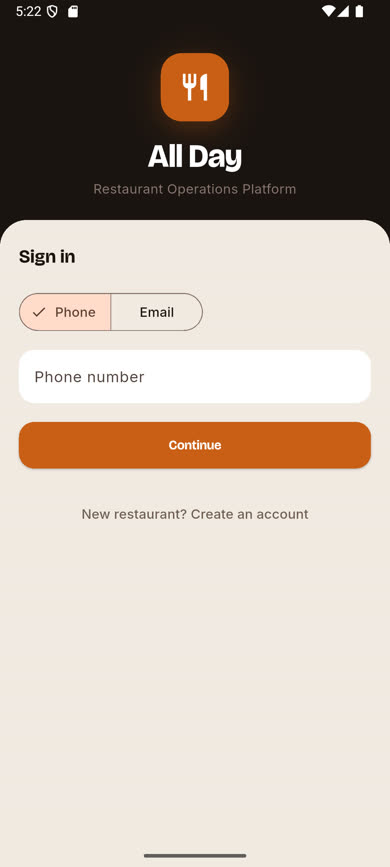
You're back at the welcome screen
To use the app again, sign back in with your phone or email and a fresh verification code.
Was this article helpful?