Viewing Your Profile
All roles
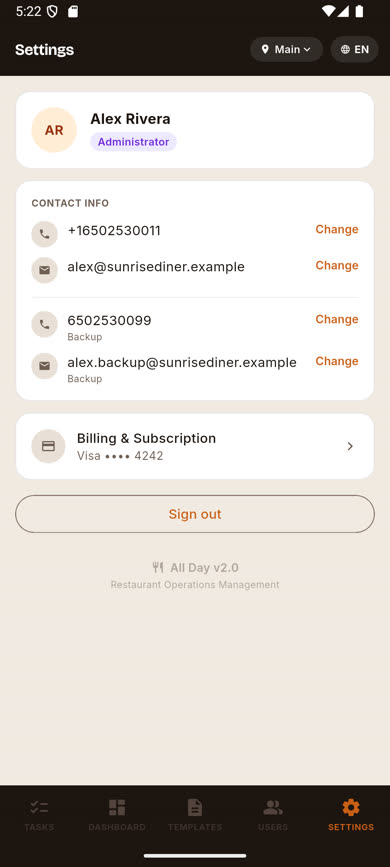
Your Settings screen is where you manage your own identity — name, role, contact info, and account preferences.
-
1
Open the Settings tab
It’s the last icon in the bottom navigation for every role.
-
2
Review your profile card
At the top, you’ll see your name, avatar, and a role pill (Administrator, Manager, or Crew).
-
3
Review your contact info
Below that, your primary phone and/or email are listed, along with any backup contact info you’ve added.
Was this article helpful?