Viewing Your Team
ManagerAdministrator
The Users screen lists everyone with access to your organization, grouped by role. Crew members don’t have access to this screen at all.
-
1
Open the Users tab
It’s in the bottom navigation. Administrators see every user across the whole organization; Managers see all Administrators plus the Managers and Crew at their own location.
-
2
Browse by role group
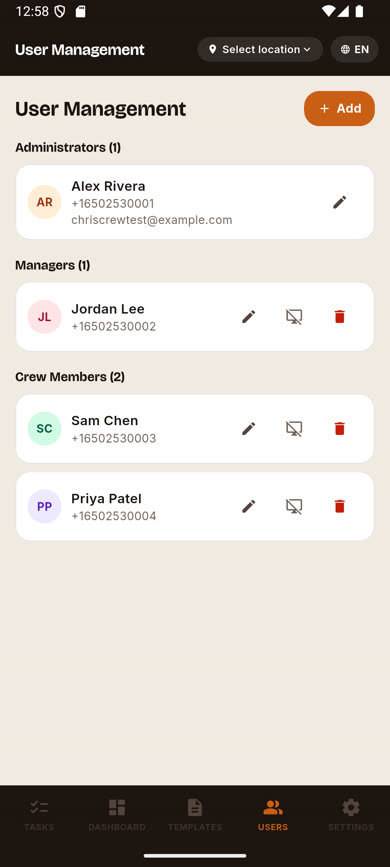
Users are grouped under Administrators, Managers, and Crew Members headings, each showing a count.
-
3
See everyone at a glance
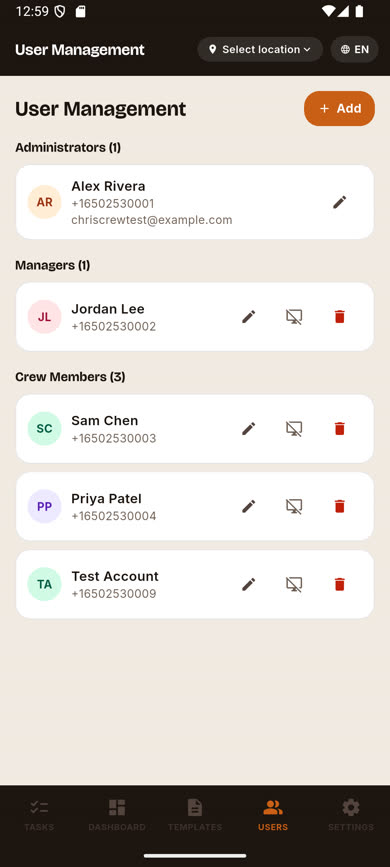
Each row shows the person’s avatar initials, name, and phone number.
Was this article helpful?